
If you’ve purchased an eSIM and can’t see it on the My eSIMs page in the Simly app, follow this guide to resolve the issue.
What to Do If You Can't See Your eSIM
Refresh the Page: First, try refreshing the My eSIMs page. This might display your purchased eSIM. 🔄
Check the Transaction: If the eSIM still doesn’t appear, verify whether the payment was processed:
Check Your Account: Ensure the amount was deducted from your payment method.
Check for a Receipt: Look for a receipt in your email to confirm the purchase. 📧
Confirm the Transaction: If the transaction went through, but the eSIM isn’t visible, please contact customer support.
Steps to Fix the White Screen Issue
Refresh the Page: If you haven’t already, try refreshing the My eSIMs page. 🔄
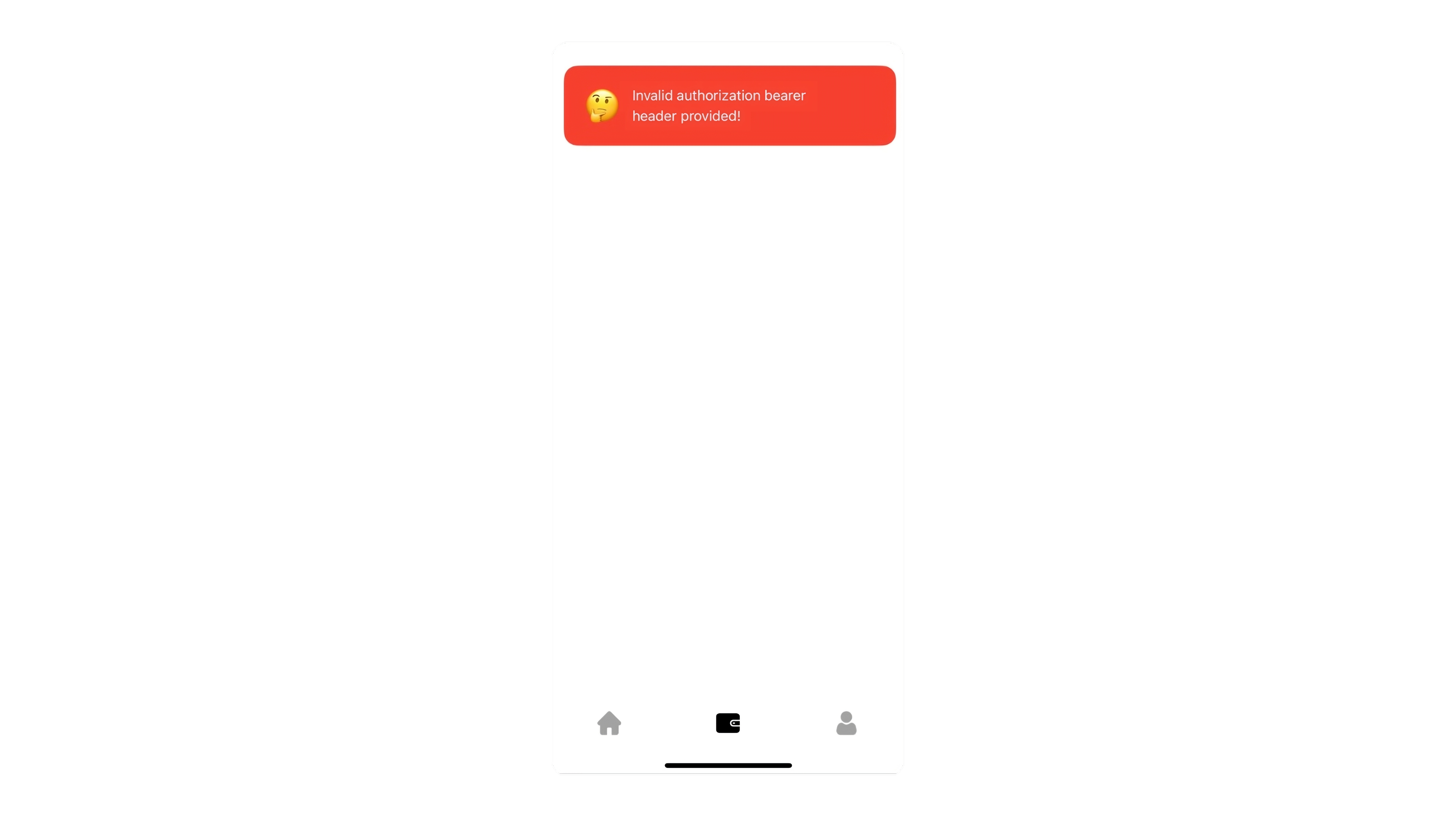
Error Message: If you refresh the page and encounter an error that says "Invalid authorization bearer header provided," and the screen remains white, Go to your profile, sign out of the Simly app, and then sign back in. 🔑
📲 Need further help? You can reach Simly Care directly from the app. Go to Profile > Live Chat for assistance.